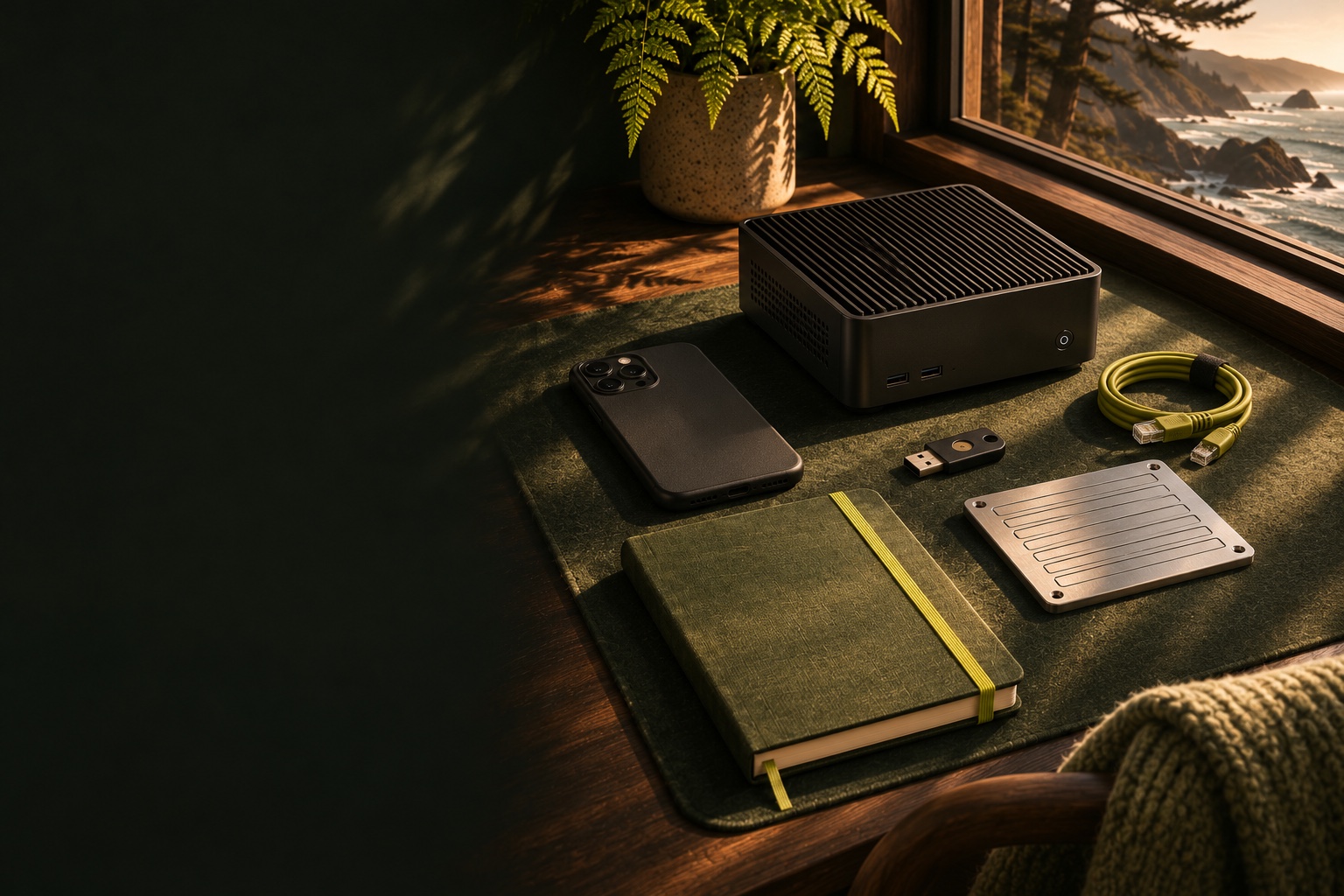
A personal toolkit of computing equipment, a security key, notebook and blank backup plate, editorial illustration
TOOLS & SOFTWARE

Good tools.
Considered choices.

Use a tool here, or explore wallet and software profiles before visiting their official websites.

Find your fit
USE HERE

Tools in your browser.

Reeded glass partially concealing envelopes and a phone on a coastal deskINTERACTIVE / PRIVACY

What can they see?

Follow a fictional wallet through six experiments. Compare histories, switch observers and test the assumptions.

Open the Privacy Lab →
Magnifying glass, pen and signing device arranged for careful reviewINTERACTIVE / SIGNING

Before You Sign

Read a proposal, question its change label and spot what changed. Six fictional transaction-review challenges.

Open the review desk →

Grouped metal tokens and a paper ledger on a warm wooden deskINTERACTIVE EXPERIMENT

Transaction workbench

Select example coins. Build a payment. See how change and fees fit together.

Build a payment

Two phones and espresso cups on a sunlit coastal cafe tableLIGHTNING EXPERIMENTS

Lightning Lab

Follow a payment. Run a café. Explore how channels, liquidity and routing fit together.

Explore the network

Three separate envelopes and keys beside an olive document folderRECOVERY REHEARSAL

Multisig lab

Arrange the keys and backups. Remove the owner. See whether the plan still works.

Test a recovery plan

A calculator and squared notebook for converting unitsCALCULATOR

Bitcoin converter

Convert bitcoin, sats and twelve currencies. Bitcoin units work offline.

Open converter

Five physical dice beside a blank numbered recovery worksheet and pencilSEEDS & ADDRESSES

Bitcoin Seed Tool

Explore entropy, recovery words, keys, addresses and descriptors.

Open Seed Tool
EXPLORE ELSEWHERE

Wallet & software profiles.

Compare what each product does and who it suits. Open its official documentation, or follow the related tutorial for setup instructions.

12 wallet & software profiles

A desktop wallet workspace with a monitor, signing device and notebook overlooking the coast, editorial illustrationSparrow Wallet official logoWallets

Sparrow

A desktop view of your bitcoin: transactions, individual coins and signing devices.

GOOD FIT FOR
People who want coin control, hardware-wallet support and a choice of server connection.
THE TRADE-OFF
A public server can learn wallet activity. A private node improves that boundary but adds maintenance.
Sources checked 12 November 2026
Passport Core signing device on a green desk mat beside a microSD card and a closed recovery envelope, editorial illustrationFoundation official logoWallets

Passport Core

An offline Bitcoin signing device with a camera-based transaction workflow.

GOOD FIT FOR
People who want to approve transactions on a separate device and keep their recovery material offline.
THE TRADE-OFF
A signing device still needs a compatible wallet and a tested backup. Core and Prime have different setup instructions.
Sources checked 12 November 2026
A phone on a desk stand beside everyday belongings in a sunlit coastal setting, editorial illustrationBlueWallet official logoWallets

BlueWallet

A mobile Bitcoin wallet with watch-only and multisig options.
GOOD FIT FOR
An approachable mobile interface, including watching a wallet without carrying its signing keys.
THE TRADE-OFF
The old hosted Lndhub.io Lightning service closed in 2023. On-chain wallets and self-hosted LNDHub are different arrangements.
Sources checked 12 November 2026
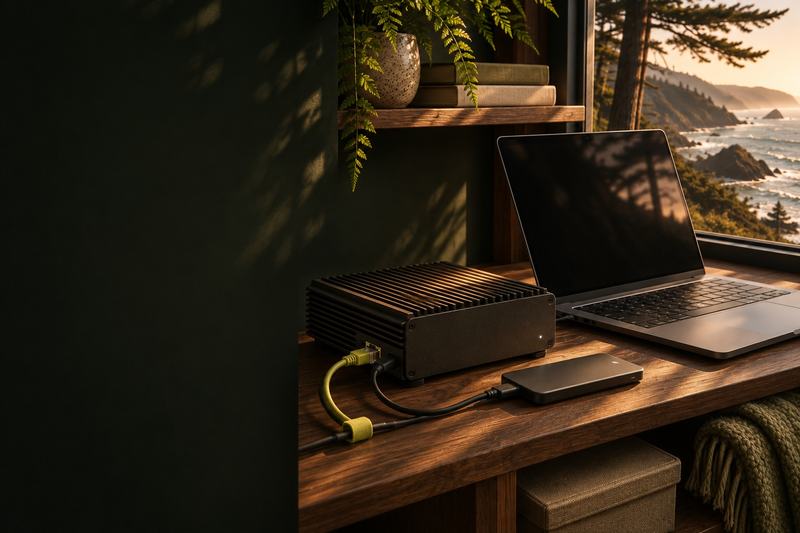
A compact home server with storage, Ethernet and a laptop at a coastal workspace, editorial illustrationBitcoin Core official logoNodes

Bitcoin Core

Independently validate Bitcoin transactions and blocks on your own computer.

GOOD FIT FOR
People who want to verify the rules themselves and connect a compatible wallet to their own node.
THE TRADE-OFF
Initial synchronization takes time and bandwidth. Pruning saves disk space but does not skip verification.
Sources checked 12 November 2026
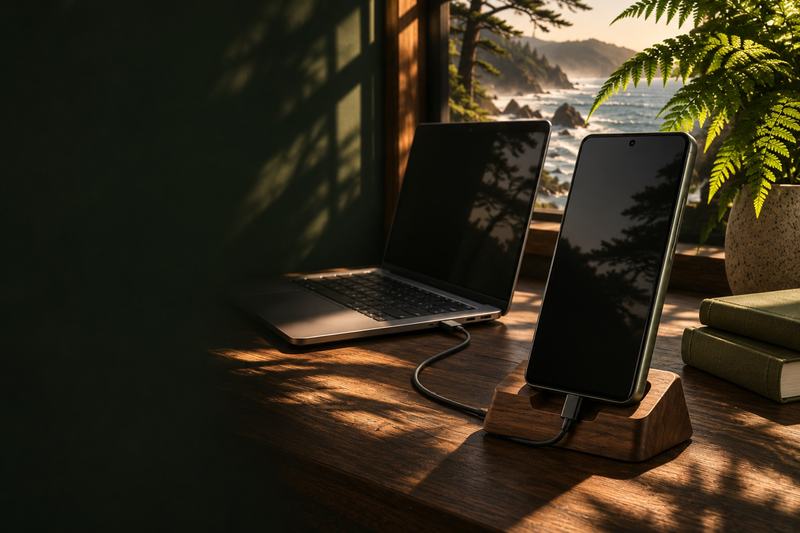
A phone and laptop prepared for an operating-system installation, editorial illustrationGrapheneOS official logoPrivacy

GrapheneOS

A security-focused mobile operating system with an official web installer.
GOOD FIT FOR
Owners of supported devices who want stronger isolation and control over their mobile environment.
THE TRADE-OFF
Check the exact device and remaining support period first. Installation changes the OS and requires a data-migration plan.
Sources checked 12 November 2026
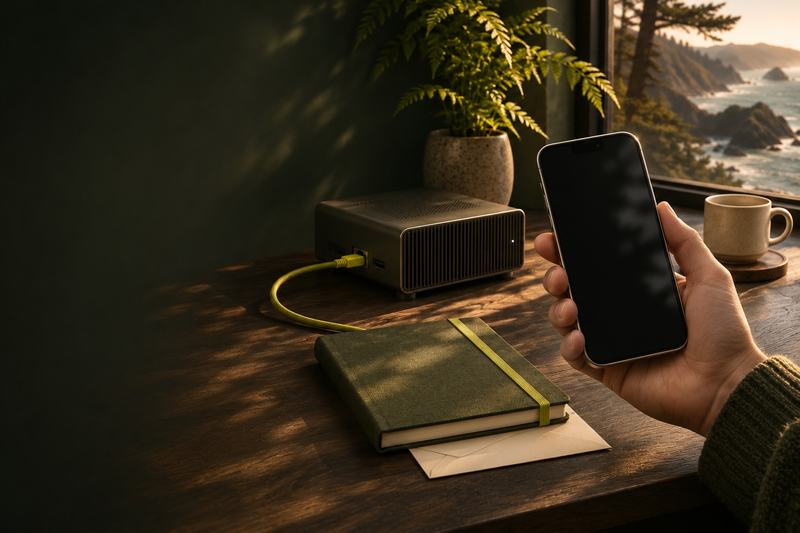
An Android-style phone connected to a laptop by USB for an operating-system installation, editorial illustrationCalyxOS official logoPrivacy

CalyxOS

An alternative Android distribution with privacy features and microG integration.
GOOD FIT FOR
People weighing app compatibility and reduced dependence on Google’s standard Android distribution.
THE TRADE-OFF
Device eligibility and security-update support matter more than an old installation screenshot. Review the current release for your device.
Sources checked 12 November 2026
A phone in hand with a home server in the background, editorial illustrationZEUS official logoLightning

ZEUS

A mobile Bitcoin and Lightning wallet that also manages remote nodes.

GOOD FIT FOR
People choosing between an embedded mobile node and access to their own LND or Core Lightning node.
THE TRADE-OFF
Your backup, liquidity and connectivity responsibilities depend on the selected mode. Learn that mode before receiving funds.
Sources checked 12 November 2026
A phone, power bank and travel bag on a cafe table, editorial illustrationBlixt Wallet official logoLightning

Blixt Wallet

A mobile Lightning wallet built around lnd and Neutrino running on the phone.

GOOD FIT FOR
People who want to explore running a Lightning client directly on a mobile device.
THE TRADE-OFF
Channel operations, synchronization and recovery add complexity beyond a simple on-chain wallet.
Sources checked 12 November 2026
Two people with separate laptops discussing a peer-to-peer trade across a table, editorial illustrationBisq official logoBuying bitcoin

Bisq

Peer-to-peer bitcoin exchange through open-source software.

GOOD FIT FOR
People prepared to understand an offer’s payment method, security model and dispute process.
THE TRADE-OFF
Bisq 1 and Bisq Easy are different trading systems. Do not apply one version’s deposit or mediation instructions to the other.
Sources checked 12 November 2026
Two laptop users in a coastal workspace at dusk, each with a separate device, editorial illustrationBuying bitcoin

RoboSats

A Tor-based exchange using Lightning invoices for bonds and escrow.

GOOD FIT FOR
People comfortable with Tor, Lightning liquidity and time-limited peer-to-peer trades.
THE TRADE-OFF
Keep the trade token accessible and understand coordinator, payment-method and dispute risks. No-ID trading does not make bank transfers anonymous.
Sources checked 12 November 2026
Two people using phones across a cafe table, editorial illustrationPeach Bitcoin official logoBuying bitcoin

Peach

A peer-to-peer bitcoin marketplace with mobile and web interfaces.
GOOD FIT FOR
People comparing available payment methods and marketplace offers in their location.
THE TRADE-OFF
Availability and jurisdiction restrictions have changed. Check the current service notice before following the archived onboarding steps.
Sources checked 12 November 2026
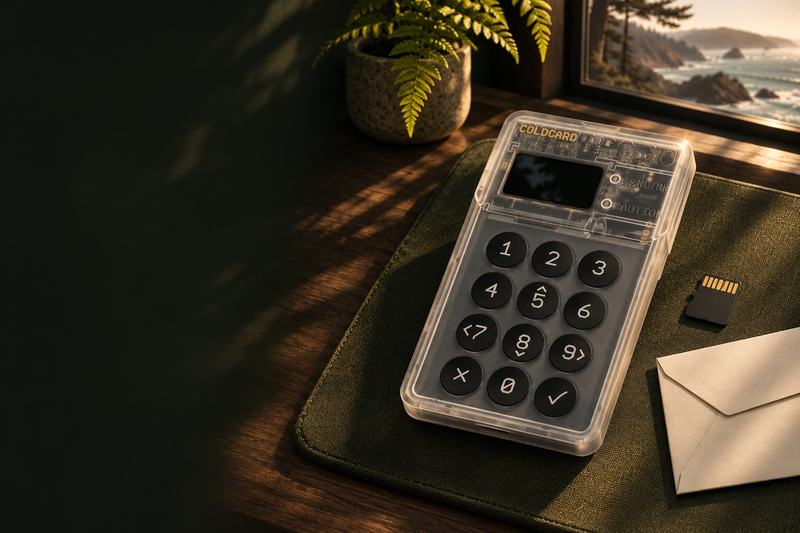
A transparent COLDCARD signing device with its keypad and screen, beside recovery materials, editorial illustrationCOLDCARD official logoWallets

COLDCARD

A Bitcoin signing-device family with a published 2026 seed-generation incident and remediation.

GOOD FIT FOR
Existing owners checking the exact firmware track and the origin of their wallet seed.
THE TRADE-OFF
Updating firmware does not repair an affected existing seed. Follow the official migration guidance; avoid treating the archived setup as current.
Sources checked 12 November 2026

Already know the name?

Every original resource is still available, including historical projects and external destinations.

Search the complete reference archive

Find your next answer.

Search the complete field guide · Esc to close