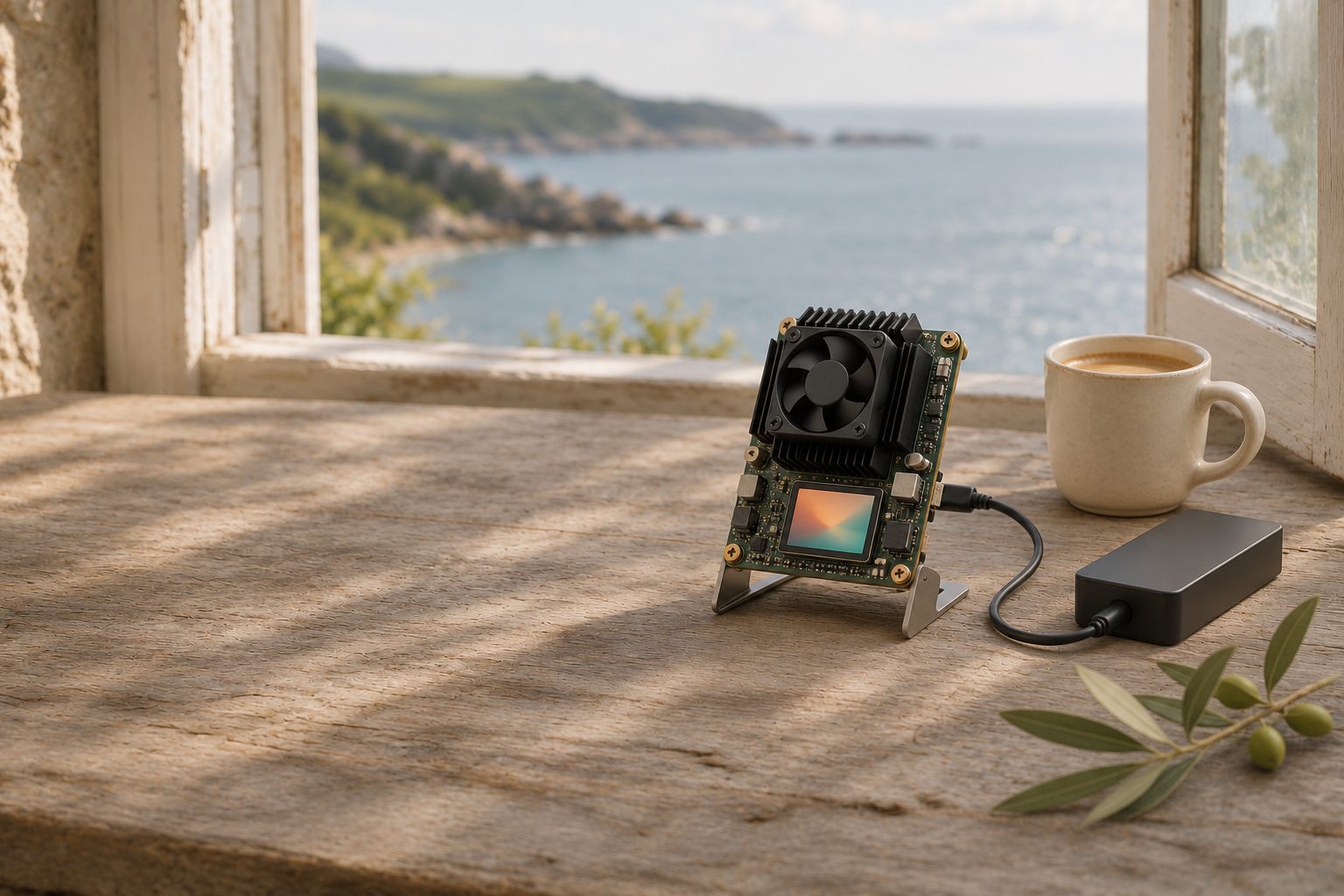
What a Bitaxe is
A Bitaxe is a small bitcoin miner you can run at home. It pairs one or a few mining chips (ASICs), the same chips used in industrial Antminer machines, with a small Wi-Fi computer, an ESP32-S3, that connects it to a mining pool. No separate computer is needed: you set it up from a web page the miner serves on your home network.
The design comes from the Bitaxe project, bitaxeorg on GitHub. The circuit boards, parts lists and manufacturing files are published under the CERN Open Hardware Licence 2.0, Strongly Reciprocal. The firmware, ESP-Miner, is published under the GNU GPL version 3, and its web dashboard is called AxeOS. The mining chips are made by Bitmain and are not open source.
ESP-Miner 2.15.4, released on 21 October 2026, was the current release on 17 November 2026. Its one change replaced the firmware's built-in list of trusted certificate authorities. Since 2.15.0, the AxeOS dashboard is built into the main firmware file. Screen wording in this guide comes from the 2.15.4 source code.
The project documents these main models. Figures appear only where the project itself states them.
| Model | Mining chip | Power input | What the project states |
|---|---|---|---|
| Max | 1 × BM1397 (Antminer S17) | 5 V | 250 to 450 GH/s, up to 15 W |
| Ultra | 1 × BM1366 (Antminer S19 XP) | 5 V | 300 to 600 GH/s, up to 15 W |
| Supra | 1 × BM1368 (Antminer S21) | 5 V | No hashrate stated |
| Gamma | 1 × BM1370 (Antminer S21 Pro) | 5 V | About 1.2 TH/s; the supply must deliver more than 4 A (20 W) |
| Gamma Turbo | 2 × BM1370 | 12 V | No hashrate stated |
| Gamma Hex | 6 × BM1370 | 12 V | No hashrate stated |
1 TH/s is 1,000 GH/s: a trillion attempts at a block every second.
Bitaxe ↗ · Bitaxe: hardware ↗ · ESP-Miner 2.15.4 release ↗ · ESP-Miner 2.15.0 release ↗ · bitaxeGamma ↗ · OSMU wiki: Max ↗ · OSMU wiki: Ultra ↗
What it can and cannot do
A Bitaxe will very probably never find a block on its own, and in a pool it earns a few dozen sats a day. The sums below use a Gamma at 1.2 TH/s; swap in your own model's hashrate to redo them.
On 17 November 2026, mempool.space estimated the network's hashrate at 973 EH/s, averaged over three days. One EH/s is a million TH/s, so that is 973,000,000 TH/s.
Solo mining: a lottery
- Your share of the network: 1.2 ÷ 973,000,000 = about 1 in 811 million.
- The network finds about 144 blocks a day, one every ten minutes on average.
- Expected wait for your first block: 811,000,000 ÷ 144 = about 5.6 million days, or about 15,400 years.
That is an average. Each attempt is independent and nothing builds up, so a block could come tomorrow or never. The chance in any one year is about 1 in 15,400. If it does happen, AxeOS shows a banner that begins Today is your lucky day!
A block is worth a lot when it lands. The 144 blocks up to height 976,278 paid miners 45,263,262,520 sats in total: the 3.125 BTC subsidy each, plus fees, or about 3.14 BTC per block.
Pool mining: small, regular amounts
A pool pays you for your share of its work. Your expected cut of a day's rewards is 45,263,262,520 × 1.2 ÷ 973,000,000 = about 56 sats a day, before the pool's fee. Pools hold your balance until it reaches their minimum payout, which at this rate can take a long time.
Work out your electricity cost
- Read the Power figure on the AxeOS dashboard, in watts.
- Multiply by 24 and divide by 1,000 for kilowatt-hours a day. At 20 W that is 0.48 kWh a day, about 175 kWh a year.
- Multiply by the price per kWh on your bill.
- Compare that with about 56 sats a day at today's bitcoin price.
If the electricity costs more, the miner runs at a loss.
Why people run one anyway
- Learning. Pools, shares, difficulty and block templates stop being abstract when you watch them on a dashboard.
- Who builds the block. One Bitaxe adds almost nothing to the network's hashrate. What you can change is who chooses the transactions it works on. Stratum V2 lets miners build their own block templates, and DATUM, an app for Umbrel and Start9, lets you create templates with your own node. See Run your own pool.
- Heat. Nearly all the power it draws comes out as heat. At 15 to 20 W, that is a little warmth, not a heater.
- The lottery. Long odds, but a ticket all the same.
mempool.space: hashrate and difficulty ↗ · mempool.space: 3-day hashrate ↗ · mempool.space: rewards, last 144 blocks ↗ · Stratum V2 ↗
Buying or building one
Because the designs are open, anyone may build or sell a Bitaxe. The Bitaxe name and logo are trademarked by bitaxeorg, and bitaxe.org has a Buy page. The project calls building one from bare boards an advanced job that needs fine surface-mount soldering, and suggests buying one assembled if you are not looking for a project.
- Choose by model. More chips means more hashrate, but also more power and heat. The Gamma Turbo and Gamma Hex take 12 V.
- Match the voltage exactly. For the 5 V models the project says 5 V DC only: anything else will damage the board, and many supplies of other voltages use the same plug.
- Buy enough current. For the Gamma, the project says the supply must deliver more than 4 A (20 W) without dropping below 5 V, and that this often takes a supply rated 25 to 30 W. For other models, use the rating in that model's repository.
- Keep the fan. Active cooling is required; the heatsink alone is not enough. Replacement fans must be 5 V: a 12 V fan spins slowly and the miner overheats.
bitaxeGamma: power supply and cooling ↗ · bitaxeUltra ↗ · Bitaxe Gamma Turbo ↗ · Bitaxe Gamma Hex ↗
Set it up
- Plug in the power supply. The miner opens an open Wi-Fi network named Bitaxe_ followed by four characters. Models with a screen show it under Setup Wi-Fi: with a QR code.
- Join that network from a phone or laptop. The setup page should open by itself; it shows Network Configuration.
- Enter your home network in Wi-Fi SSID and Wi-Fi Password. Click Save, then Restart. Once the miner joins your Wi-Fi, the setup network switches off. If it cannot connect, the setup network comes back.
- Back on your home network, open http://bitaxe.local (your Hostname followed by .local) or the IP address shown on the screen or in your router.
- Open Pool from the menu. Pool 1 is the Primary Pool; you can add a Fallback Pool for when the first is unreachable.
- Fill in Stratum Host and Stratum Port from your pool's instructions. Pasting a full address such as stratum+tcp://host:port splits it into the two fields.
- In User, follow your pool's format. Solo pools commonly take your bitcoin address, optionally followed by a dot and a worker name, such as youraddress.bitaxe; that is the format ESP-Miner's own example settings use. Password is often ignored; x is the usual filler.
- Click Save, then Restart.
Factory firmware ships with a placeholder address in User. While it is there, AxeOS warns: You are using the default factory Bitcoin address. Any reward would go to that address, so replace it.
Read the dashboard
- Hashrate: attempts per second, with Expected for your settings and an Error rate. AxeOS notes that a bad power supply, undervoltage or aggressive overclocking can raise errors.
- Shares: work accepted by the pool, and how many were rejected. Shares prove your miner is working; they are not blocks.
- Best Difficulty: your luckiest share, all-time best and session best. A share whose difficulty reaches the network difficulty, shown under Block Header, is a block.
- Power and Heat: watts, Input Voltage, ASIC Temperature and Voltage Regulator Temperature.
AxeOS: Network ↗ · AxeOS: Pool ↗ · AxeOS: Dashboard ↗ · ESP-Miner: Wi-Fi setup ↗ · ESP-Miner: example settings ↗
Solo or pool
A solo pool is a server that hands your miner work on a block that pays your own address. You only receive anything if your miner finds a block, and the server may keep a fee if it does. solo.ckpool.org, for example, asks for your bitcoin address as the user name and takes 2%. ESP-Miner's factory settings point at two such public servers, public-pool.io and solo.ckpool.org.
A pooled service combines many miners' work and pays each a share of the rewards it earns. That gives the small, regular amounts worked out above, minus fees and subject to the pool's minimum payout.
The dashboard's Pool card shows how the current block's reward would be split. When at least 95% would go to your address, it shows the pool's Fee. Otherwise it shows your Share, in red.
Run your own pool
If you run a node at home, you can point the Bitaxe at a pool app on it. Both app stores listed these on 17 November 2026:
- Umbrel: Public Pool, described as a solo mining pool you run with your own node, set up automatically to use Umbrel's Bitcoin node; and DATUM, for making your own block templates. See the Umbrel guide.
- Start9 Registry: Public Pool 0.2.5, Datum Gateway 0.5.1 (beta), and Stratum V2 and Stratum V2 Pool 0.9.2. See the Start9 guide.
Public Pool shows the stratum address and port to use inside the app. Enter those as Stratum Host and Stratum Port, with your own address as User. The miner and the node should be on the same home network.
AxeOS 2.15.4 can also connect with Stratum V2, chosen per pool under Stratum Protocol. Its own note says not all pools support it. Stratum V2 encrypts the link to the pool, and the SV2 Authority Pubkey field takes a key from the pool operator that proves you reached the real pool.
solo.ckpool.org ↗ · Umbrel: Public Pool listing ↗ · Umbrel: DATUM listing ↗ · Start9 Marketplace ↗ · Stratum V2 ↗
Safety and running it
- Power supply. Use the voltage and rating the project gives for your model. An undersized supply runs hot under constant load and drags the voltage down.
- Placement. Put the miner on a hard, non-flammable surface with space around the fan, out of reach of children and pets. Watch it for a while after setup before leaving it running unattended.
- Noise. The small fan runs constantly. The project's hardware notes say the stock fans are poor and suggest upgrading to a better 5 V four-pin fan.
- Overheating. If a chip passes 75 °C, or the voltage regulator 105 °C, ESP-Miner 2.15.4 stops mining, runs the fan at full speed, and restarts at a lower frequency and voltage once it has cooled.
- Overclocking. Under Settings, custom frequency and voltage values stay hidden until overclock mode is switched on. AxeOS then warns that Custom settings can cause damage & system instability.
Firmware updates
- Open Update. Check looks up the latest release; AxeOS warns first that this connects to github.com.
- Download esp-miner.bin from the official ESP-Miner releases page on GitHub, and read the release notes.
- Under Update Firmware, click Browse and choose the file. Refresh the dashboard afterwards.
The releases page also has factory files for each board version, for flashing over USB with the project's web flasher. A factory file resets all settings, including User, so enter your address again afterwards. At 2.15.4, the release lists its files without signed checksums, so download only from the official repository.
AxeOS: Update ↗ · AxeOS: Settings ↗ · ESP-Miner: overheat protection ↗ · ESP-Miner releases ↗ · Bitaxe Web Flasher ↗
What you trust and what to check
- The firmware is open source, so anyone can read what it does. The mining chips are not.
- The payout address. Under Block Header, Outputs lists where the reward for the current block would go. On a solo pool your address should be there, marked as Your payout address. If it is missing, check User and the pool.
- The dashboard has no password. Anyone on your network can open it and change the payout address. ESP-Miner refuses requests from outside private network ranges; keep it that way and never forward a port to it from your router.
- The setup network is open. Finish the Wi-Fi step promptly so it switches off.
ESP-Miner: web server ↗ · ESP-Miner: licence ↗
Before you rely on it
- You have done the electricity sum for your own tariff and hashrate.
- The power supply matches your model's voltage and rating.
- User holds your own address, and the factory address warning is gone.
- On a solo pool, Outputs shows Your payout address.
- Shares are rising and few are rejected.
- ASIC Temperature stays well below 75 °C.
- The dashboard is reachable only from your home network.
New to how blocks and mining fit together? Bitcoin in plain English covers the basics.
Sources & further reading
Researched 17 November 2026. Software and services change: check the current documents before you act.
- Bitaxe ↗
- Bitaxe: hardware ↗
- OSMU wiki: Bitaxe Max ↗
- OSMU wiki: Bitaxe Ultra ↗
- bitaxeMax: design files ↗
- bitaxeUltra: design files and power supply ↗
- bitaxeSupra: design files ↗
- bitaxeGamma: design files, power supply and cooling ↗
- Bitaxe Gamma Turbo: design files ↗
- Bitaxe Gamma Hex: design files ↗
- bitaxeGamma: licence (CERN-OHL-S 2.0) ↗
- ESP-Miner: source code ↗
- ESP-Miner: licence (GPL 3.0) ↗
- ESP-Miner 2.15.4 release ↗
- ESP-Miner 2.15.0 release ↗
- ESP-Miner: supported boards ↗
- ESP-Miner: example settings ↗
- ESP-Miner: Wi-Fi setup ↗
- ESP-Miner: web server ↗
- ESP-Miner: overheat protection ↗
- AxeOS 2.15.4: Network screen ↗
- AxeOS 2.15.4: Pool screen ↗
- AxeOS 2.15.4: Dashboard ↗
- AxeOS 2.15.4: Settings ↗
- AxeOS 2.15.4: Update ↗
- Bitaxe Web Flasher ↗
- mempool.space: hashrate and difficulty ↗
- mempool.space: 3-day hashrate (API) ↗
- mempool.space: rewards for the last 144 blocks (API) ↗
- solo.ckpool.org ↗
- Umbrel: Public Pool listing ↗
- Umbrel: DATUM listing ↗
- Start9 Marketplace ↗
- Stratum V2 ↗
Umbrel: run a node and connect your wallets to it → · Start9: run a node and connect your wallets to it → · Run a node you actually use → · Bitcoin, without the vocabulary test → · Your first self-custody weekend →